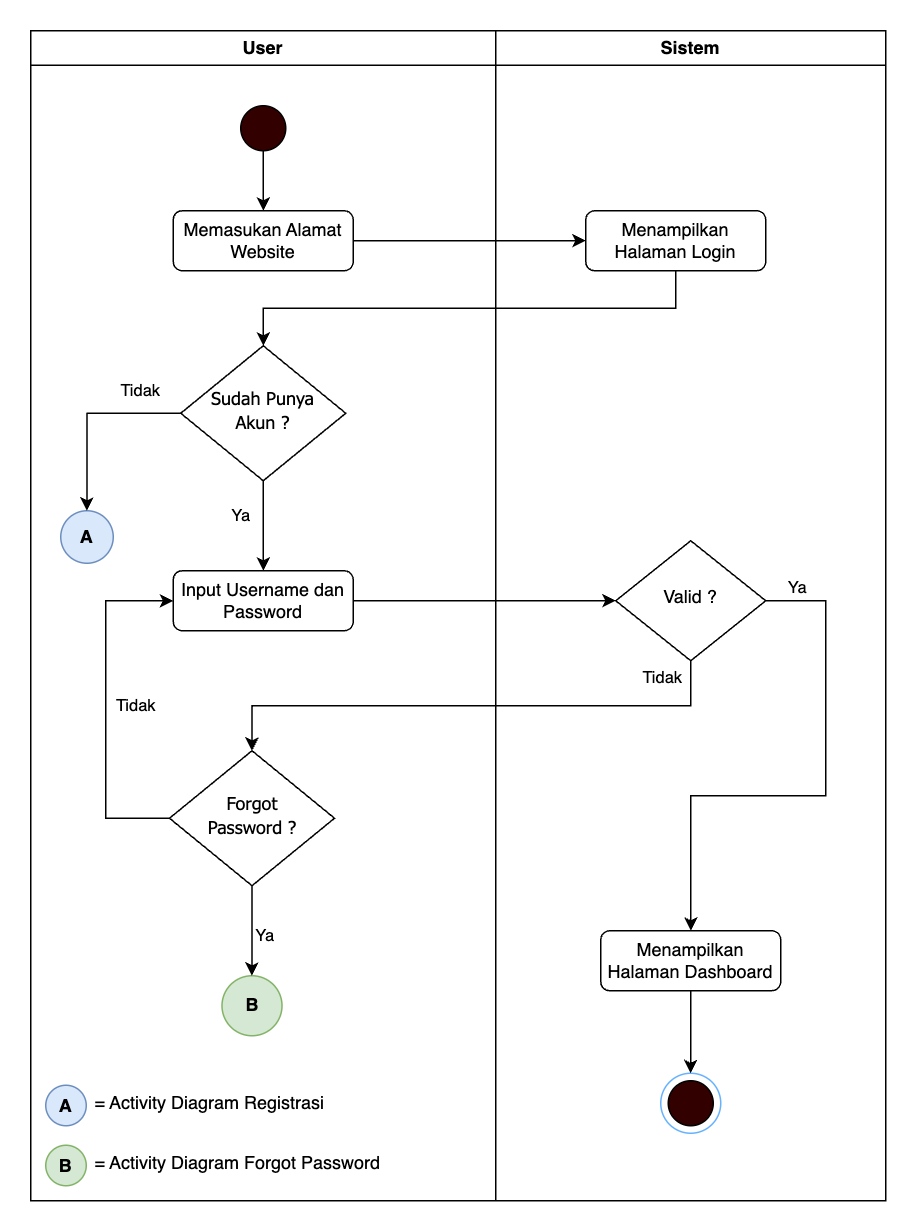
Users can log in to the Merchant Website using the email and password registered during account creation. Follow the steps below to access the PayCloud Merchant Website:
- Open a web browser (Chrome, Firefox, or Safari).
- Enter the PayCloud Merchant Website URL: https://dashboard.paycloud.id/
and press Enter. - Once the login page appears, enter your email, password, and the captcha code, then click “Log In.”
- If all the provided information is valid, the system will redirect you to the Merchant Dashboard.
- Ensure that the email and password entered match the credentials you registered. If you encounter any issues during login, you may use the “Forgot Password” feature or contact the PayCloud support team for further assistance.