
Before integrating with Paycloud, you need to register for Account.
- Start by creating an account here. You will need a valid email address and phone number in order to create an account.
- Then click Sign Up on Login Page.
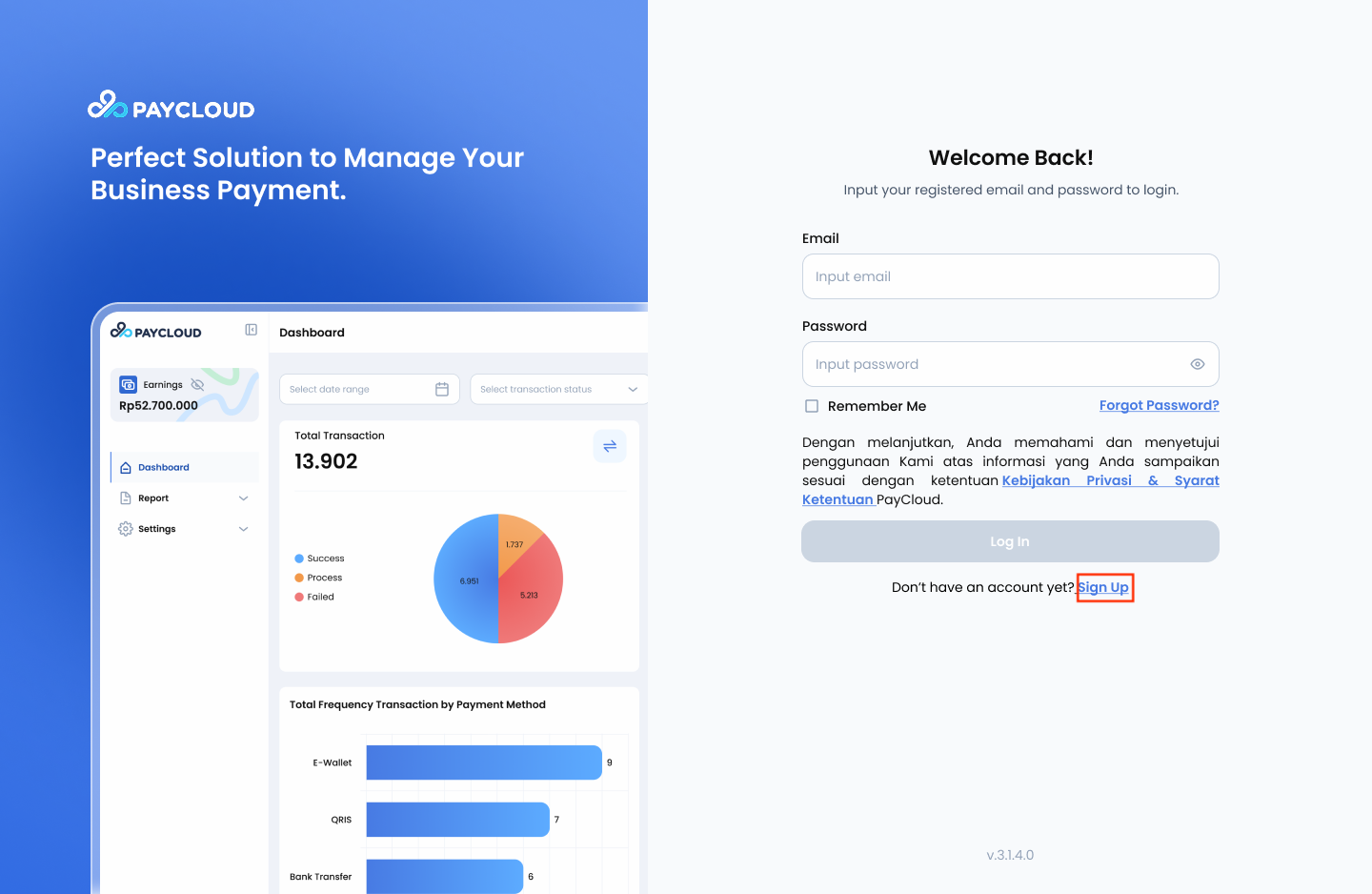
Login Page
- The merchant will be directed to the registration page and required to fill in the form fields, including Business Name, Business Owner Name, Email, and Phone Number.
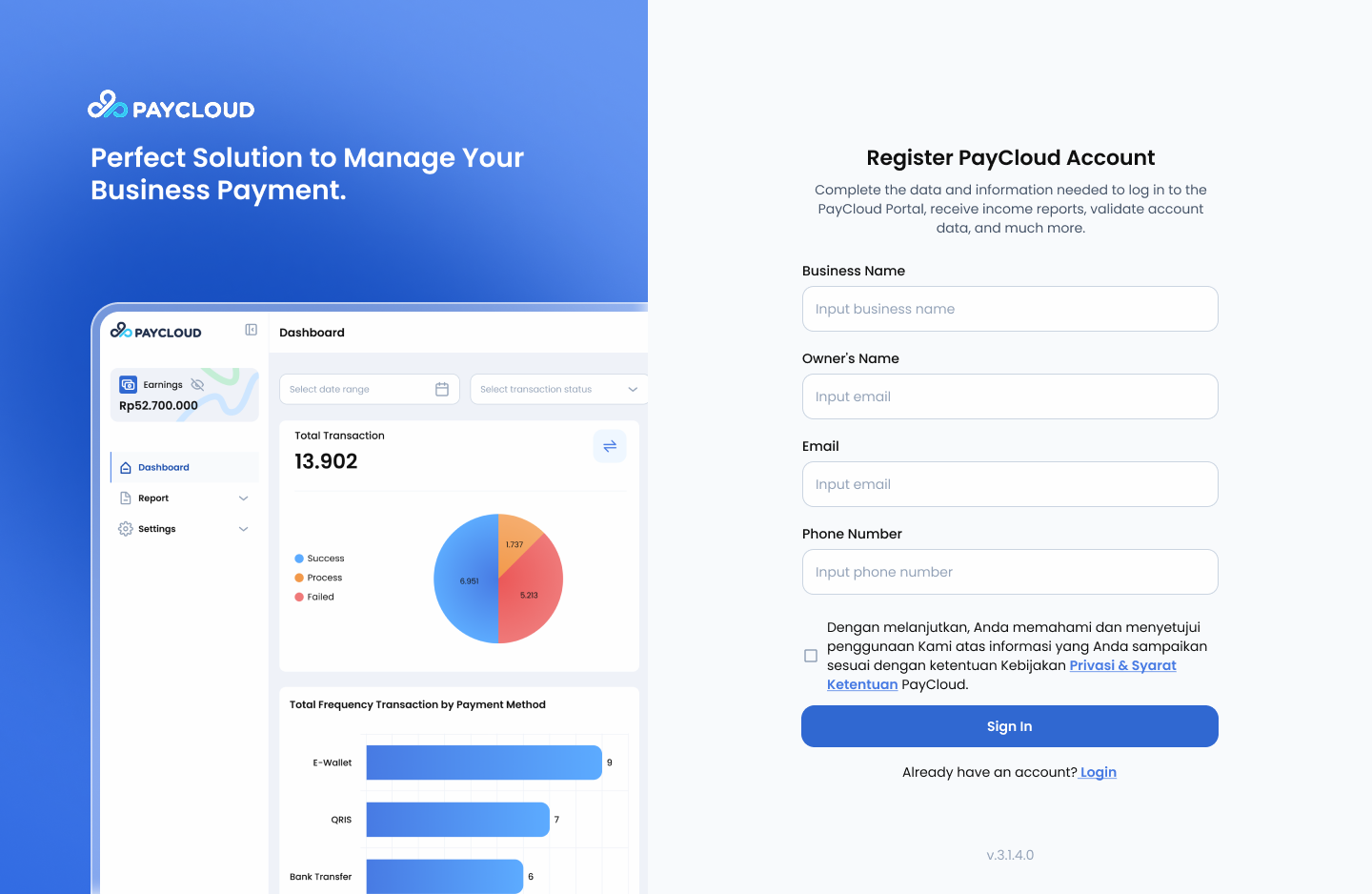
Registration Page
-
After completing all the required registration data, the merchant should check the box for the Privacy Policy and Terms & Conditions. The Privacy Policy and Terms & Conditions page will automatically be displayed.
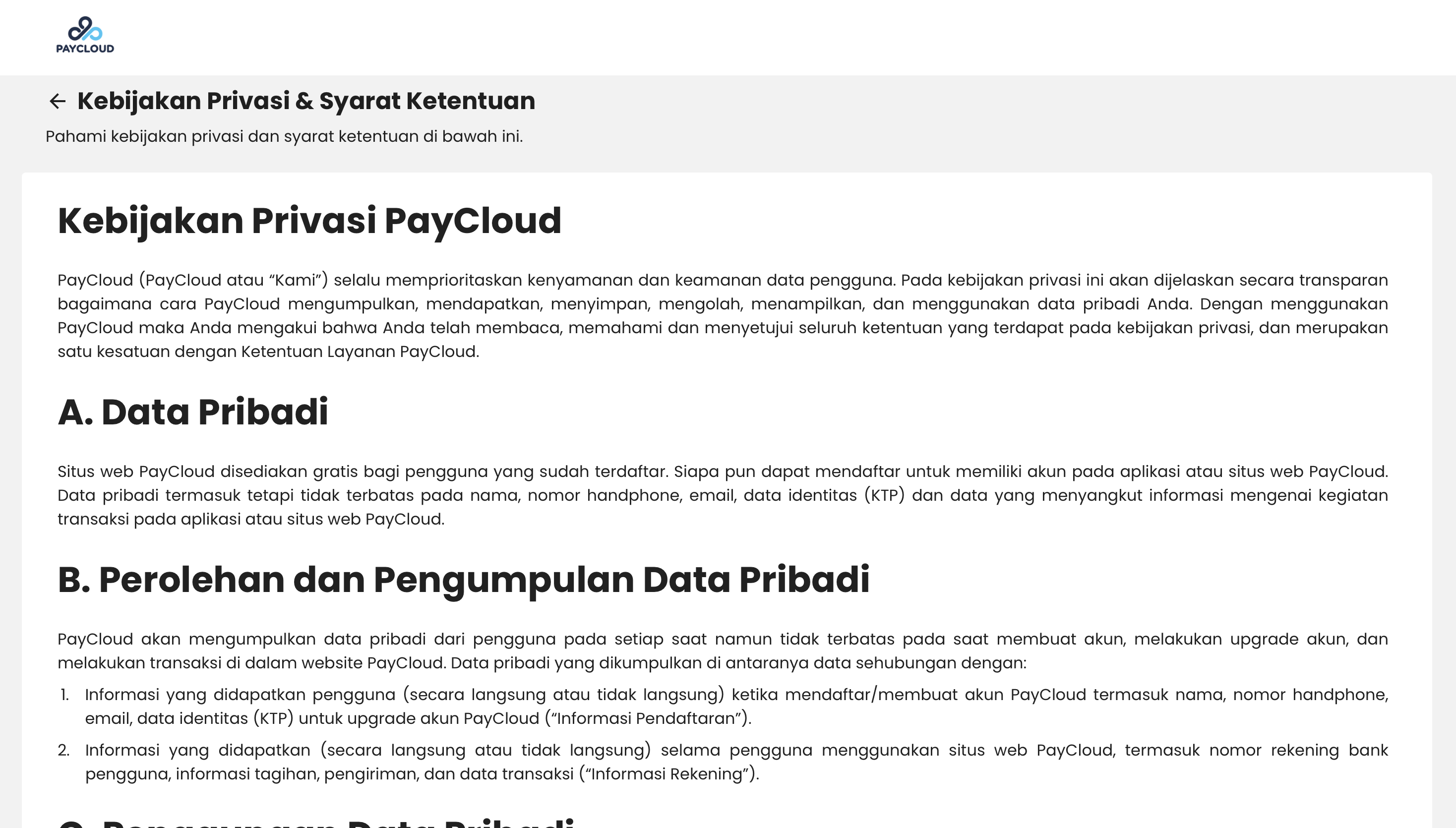
Privacy Policy - 1
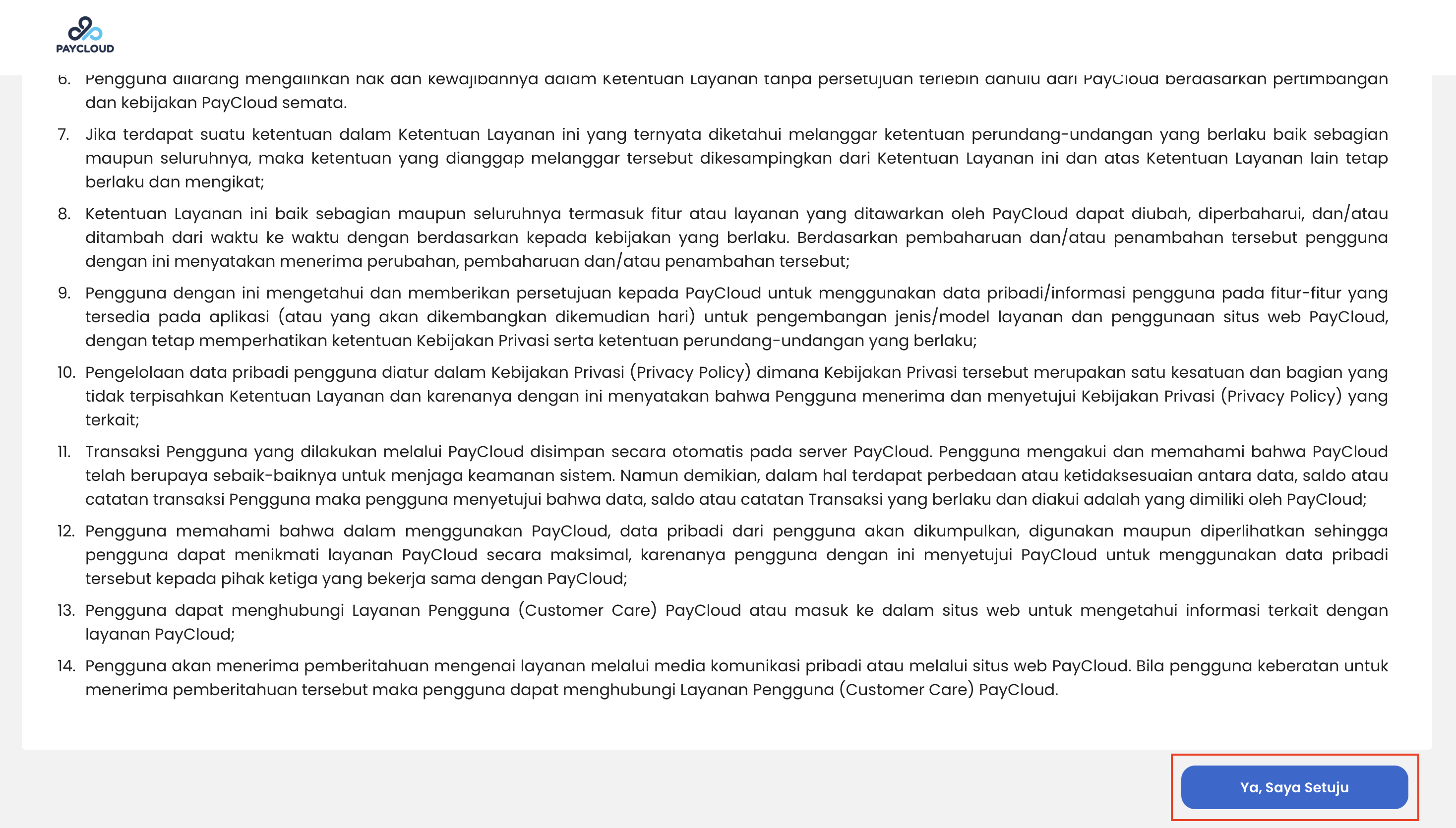
Privacy Policy - 2
-
The user then opens the registered email account to check the notification sent by Paycloud. If a verification email from Paycloud is received, the user can click the verification button provided in the email.
- After that, the user will be redirected to the Merchant Website to create a password based on the following requirements:
- The password must contain at least 8 characters.
- The password must include a combination of uppercase letters (A–Z) and lowercase letters (a–z).
- The password must contain at least one number (0–9).
- The password must contain at least one special character (e.g., ! @ # $ % ^ & *).
- Avoid using easily guessed words such as "password" or personal information such as names or birth dates.
The Verification Register link in the email is only valid for 1 day or 24 hour. If the link expires, repeat the registration process.
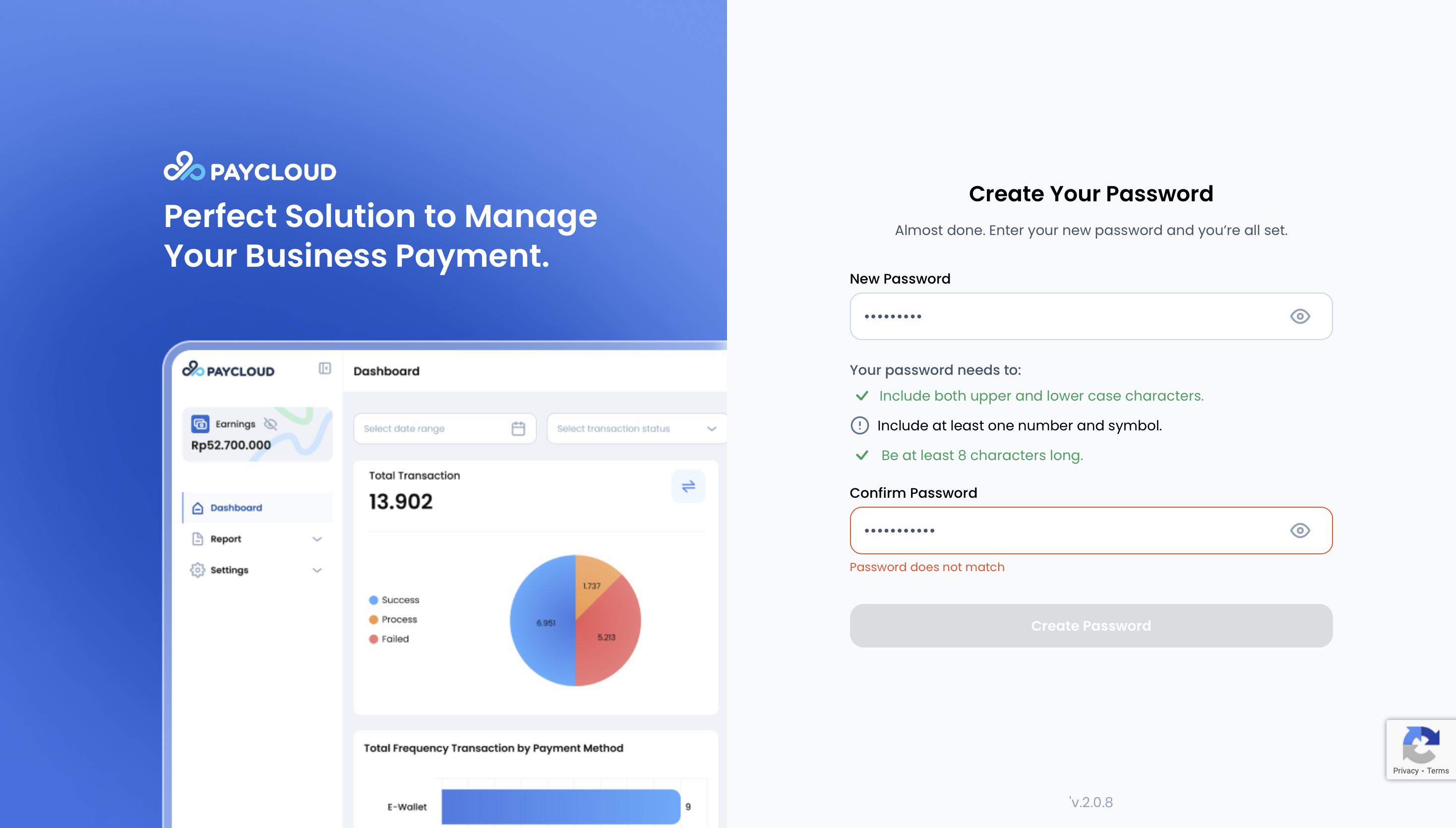
Create Password
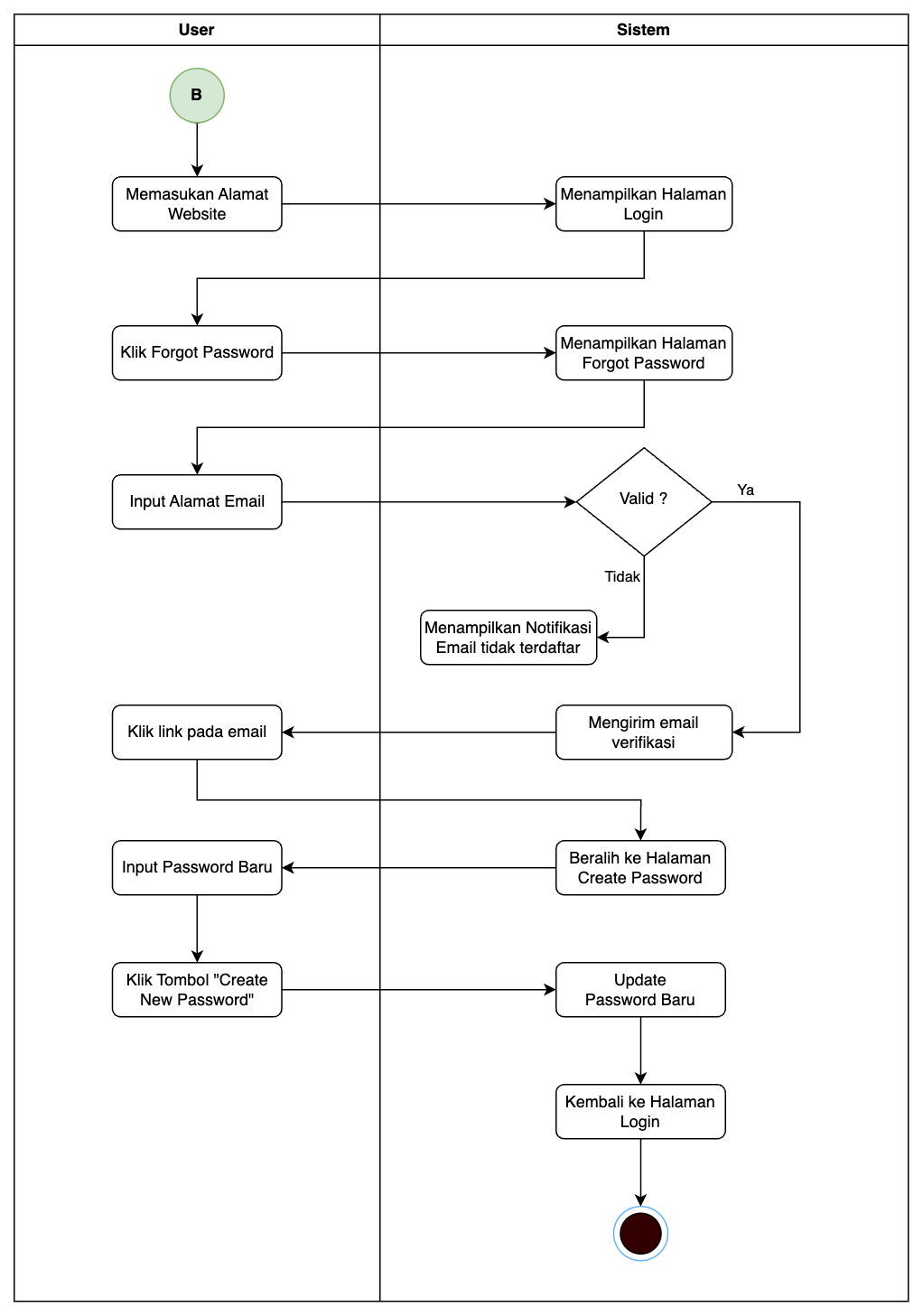
Activity Diagram Register